CAD · Sheet Metal · Fabrication · BYU–Idaho
Laser-Cut Steel Tiger
I traced a tiger reference image in SolidWorks, prepared the cut geometry, and had it laser-cut from quarter-inch steel. I finished the fine details by hand where the cut left areas that needed more work.
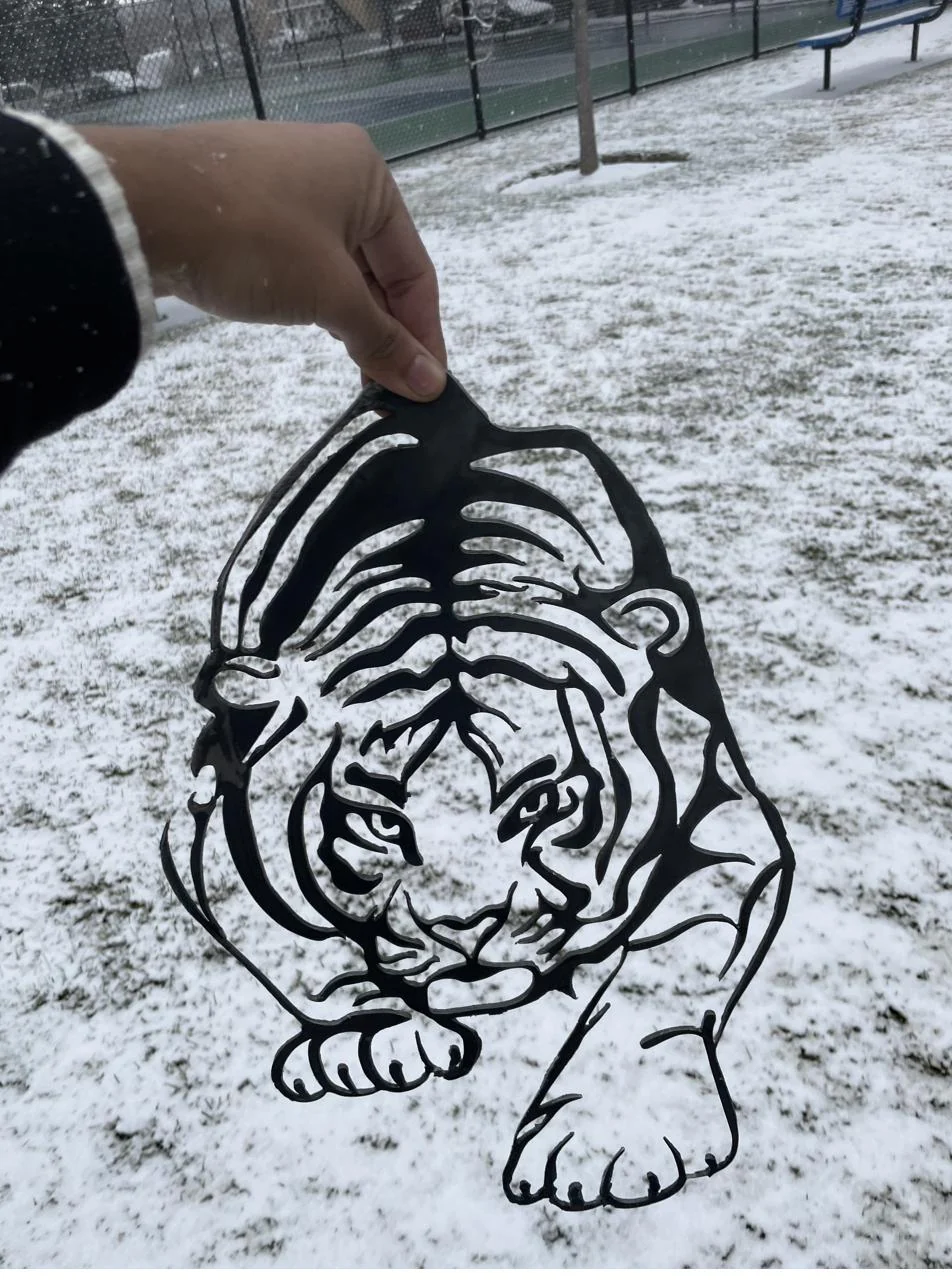
Key Specs
| Role | Solo |
| Materials | 0.25 in steel sheet |
| Process | SolidWorks trace from reference image → laser cut → hand-sawn detail → sanded |
| Key spec | 0.25 in plate — laser could not resolve fine internal detail at thickness |
| Verification | Not measured — finish assessed by eye |
What I made
This coursework project took a reference image through CAD and fabrication to a finished steel piece. I chose a detailed pattern to practice sketching and see which features could be produced in 0.25-inch plate.
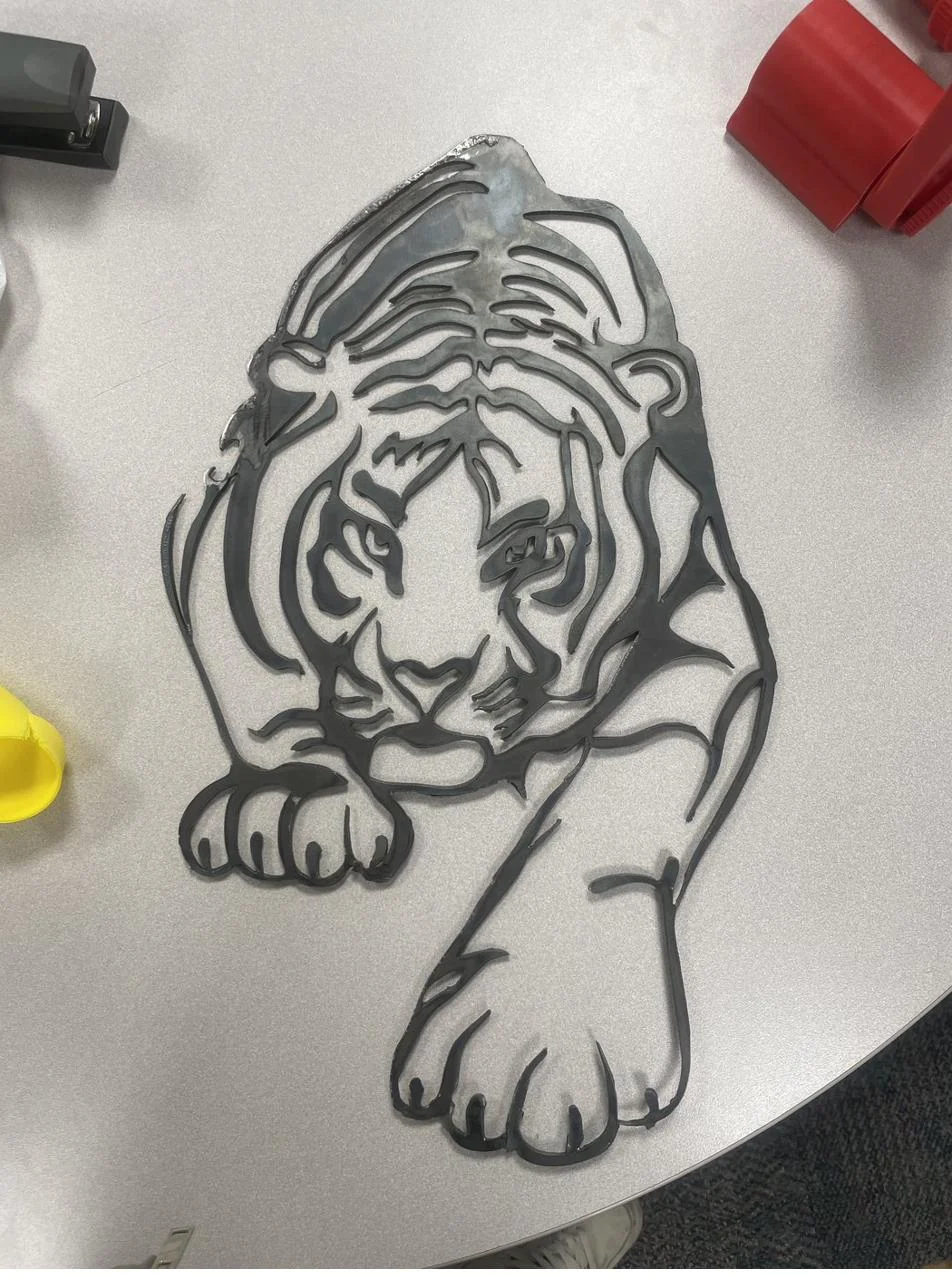
Cutting and finishing
I imported the image into SolidWorks and traced the geometry for the laser cut. Some fine internal details needed additional work after cutting, so I refined them with a hand saw and sanded the piece. I assessed the finish visually rather than through dimensional inspection.
What I learned
The finished cut showed which details needed to be simplified or left for hand finishing. The project gave me practice preparing clean CAD geometry and planning for fabrication limits instead of judging the design from the sketch alone.